> For the complete documentation index, see [llms.txt](https://alliancecashbox.gitbook.io/alliancecashbox/llms.txt). Markdown versions of documentation pages are available by appending `.md` to page URLs; this page is available as [Markdown](https://alliancecashbox.gitbook.io/alliancecashbox/mobilnii-zastosunok/sho-robiti-yaksho-ya-zabuv-pin-vid-mobilnogo-zastosunku.md).
# Що робити, якщо я забув ПІН від мобільного застосунку?
Ви можете скинути ПІН-код від мобільного застосунку. Для цього потрібно виконати такі дії:
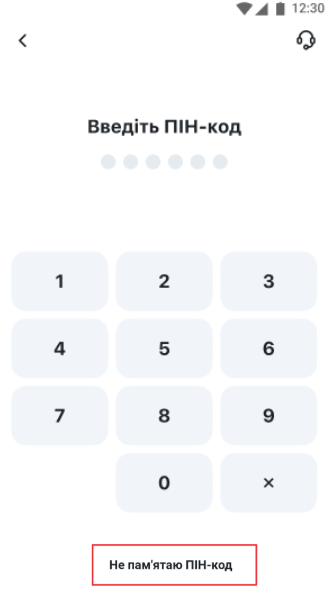
1. Натисніть кнопку "Не пам'ятаю ПІН-код" на екрані введення ПІН-коду.
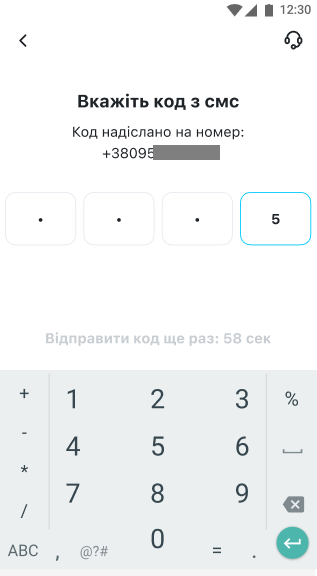
2. На номер телефону, який використовується для входу в мобільний застосунок касира, буде надіслано одноразовий пароль у SMS. Введіть його на наступному екрані.
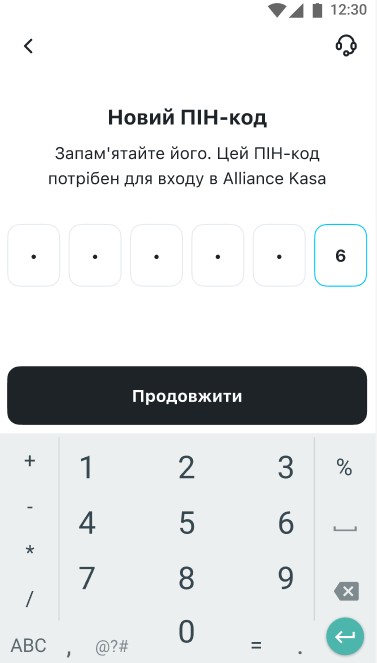
3. На наступному екрані потрібно ввести новий ПІН-код від застосунку.
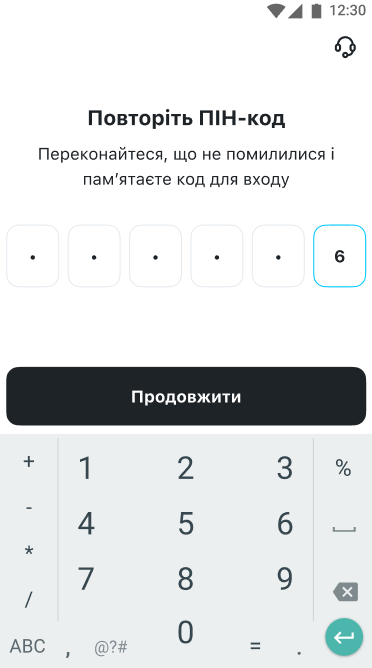
4. Далі потрібно повторно ввести новий ПІН-код.
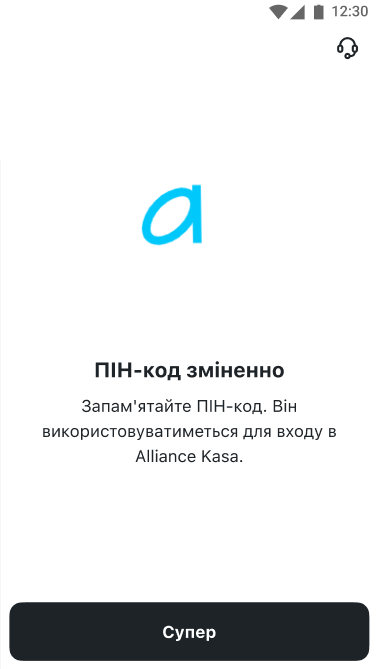
5. Якщо введені на попередніх двох екранах ПІН-коди збігаються, вас буде переадресовано на наступну сторінку. Після натискання на кнопку "Супер" ви перейдете на екран вибору компанії.